The fastest way to turn your kid's drawing into animation is an AI animation app: photograph the drawing → pick an animation effect template → let the AI generate the video. With MagicBrew, most videos are ready in about 65 seconds at 1080p Full HD — no animation or drawing experience needed.
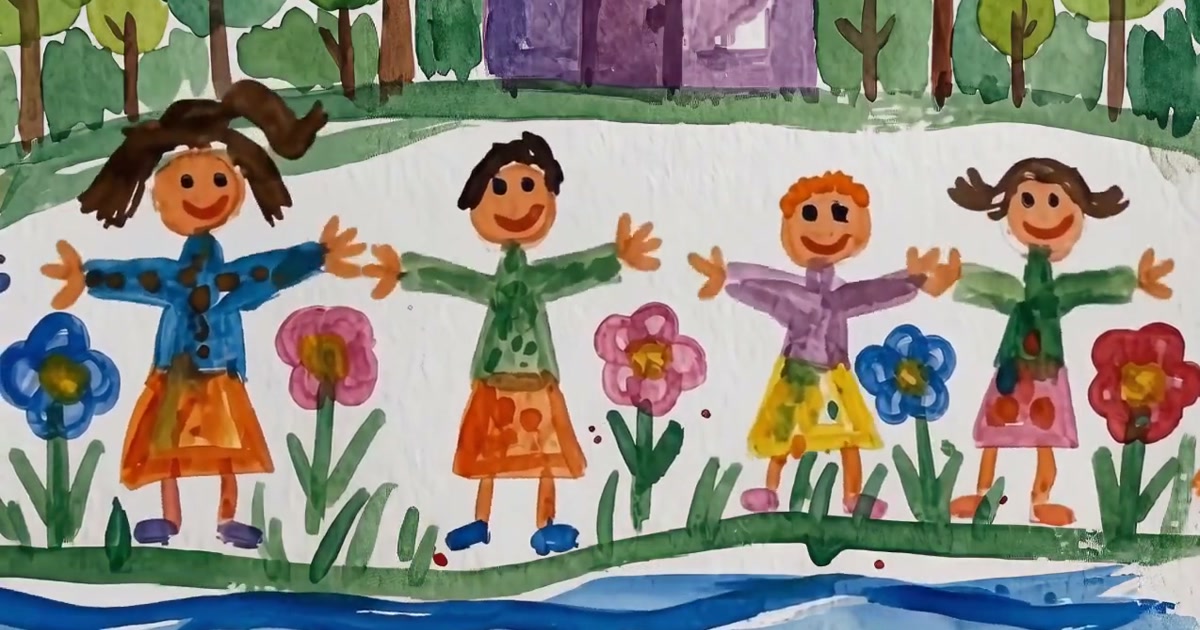
Every parent's phone holds dozens of their kid's drawings: a wobbly dinosaur, a sun bigger than the house, the whole family holding hands in crayon. They get taped to the fridge, filed away in folders — and slowly forgotten.
But with nothing more than a phone, you can bring those drawings to life — the dinosaur blinks, the sun glows, the little stick-figure family starts to move. This article compares three ways to turn children's artwork into animation and walks through the easiest one using MagicBrew: from photo to sharing in just 1 to 2 minutes.
Why turn your kid's drawing into animation?
Because a moving video gives your child a real sense of accomplishment — and gives you a keepsake that's far easier to save and share.
For kids, watching their own artwork come alive — "My drawing turned into a cartoon!" — is the most direct feedback there is, and that spark of delight makes them want to keep creating. For parents, an animated video is simply more useful than a static photo: it can become a birthday montage, a growth diary, or something you drop into the family group chat for the grandparents.
"Amazing effect tool! Turned my kid's drawing into an animation and they were absolutely thrilled — kept asking for more!"
— MagicBrew App Store user review (4.9 stars on the App Store, 2,400+ reviews)
Your child gets encouragement, you get a keepsake — that's the best reason to spend one minute turning a drawing into animation.
3 ways to animate a drawing, compared
There are three common ways to turn a drawing into animation: hand-drawn frame-by-frame, animation software, and AI animation apps — the difference comes down to time and skill required.
| Method | Time needed | Skill required | Cost | Best for |
|---|---|---|---|---|
| Hand-drawn frames (flipbook) | Hours to days | Medium: redrawing the same character over and over | Nearly free (paper and pens) | Families who want a hands-on craft activity |
| Animation software (FlipaClip, Procreate Dreams, etc.) |
Several hours and up | High: timelines, layers, and keyframes to learn | Free to around $20 | People who want precise control over every movement |
| AI animation app (MagicBrew) |
About 1–2 minutes | Low: take a photo, pick a template — zero experience needed | Free download, credit packs for more (no subscription) | Parents who want quick, shareable results |
In short: if you want to enjoy the process of making animation together with your child, hand-drawn flipbooks are a wonderful weekend project; if you need frame-level control, animation software is the way to go; but if the goal is to quickly bring a drawing to life and share it with family and friends, an AI app is by far the lowest-friction option. Here's the full walkthrough with MagicBrew.
Turn a drawing into animation with MagicBrew: 3-step tutorial
MagicBrew is an AI image and video creation tool developed by Cardinal Blue Software, rated 4.9 stars on the App Store with over 2,400 reviews. It's template-based — no AI prompts to type; just pick a template and generate.
1Take a photo of your kid's drawing
Open MagicBrew and photograph the drawing with the camera, or pick an existing photo from your album. Paper drawings and digital artwork made on a tablet both work.
Photo tips (the better the photo, the better the animation):
- Even lighting: shoot near a window with plenty of natural light, and avoid glare from a lamp shining directly on the paper.
- Shoot straight down: lay the drawing flat on a table and hold your phone parallel to it to avoid distortion.
- Watch for shadows: make sure your hand and phone aren't casting shadows on the artwork.
2Pick an animation effect template
MagicBrew comes with hundreds of AI effect templates, and the content team adds new ones every day, spanning fantasy, cartoon, holiday themes and more. For kids' drawings, the animated and fantasy templates are a great place to start — tap to apply, with no text prompts required.
3Generate, then share with the whole family
Once you hit generate, the AI works in the background, and most videos are done in about 65 seconds — meanwhile you and your child can keep browsing other templates. The finished video is 1080p Full HD, and you can:
- Save it to your camera roll
- Share it in one tap to Instagram (including Reels), Threads, and Facebook
- Use the before-and-after preview to compare the original drawing and the animation side by side
Three steps and one or two minutes, and your child's drawing steps off the paper and into a video — that's the simplest path from artwork to animation.
What kind of drawings work best?
Drawings with a clear main subject, defined outlines, and strong color contrast animate best — though almost any kid's drawing will generate something. Specifically:
- A clear main character: people, animals, dinosaurs, cars, robots — the AI can identify the subject and give it more natural movement.
- Defined outlines and strong contrast: high-saturation media like crayons and markers produce especially vivid results.
- Any medium works: watercolor, pencil sketches, even black-and-white line drawings — the AI adapts the effect to the content of the picture.
If the first result isn't quite what you hoped, trying a different template usually delivers a nice surprise — the same drawing can move in completely different ways under different templates. Bottom line: drawings with a clear subject shine the brightest, but every drawing is worth a try.
What can you do with the finished animation? 5 creative ideas
- Growth diary: animate your child's best piece from each stage and build their very own animated portfolio over time.
- Birthday videos: turn your kid's own drawing into a birthday greeting — far more meaningful than stock footage.
- Gifts for grandparents: drop it in the family group chat so grandma and grandpa can watch their grandchild's drawing come alive.
- School showcases: art shows and class presentations get a lot more eye-catching when the artwork moves.
- Creative motivation: make a deal — "finish a drawing and we'll bring it to life" — and turn drawing into a weekly family ritual.
All five ideas really come down to one thing: showing your child that their creations deserve to be taken seriously.
Frequently Asked Questions (FAQ)
How much does it cost to turn a kid's drawing into animation?
With MagicBrew, the app is free to download and includes free credits. If you need more generations, credit packs are available at $2.99, $5.99, or $13.99. It's credits-based with no subscription — you only pay for what you use.
Can I do this without any drawing or animation skills?
Yes. MagicBrew is template-based — no animation knowledge and no AI prompts required. Photograph the drawing, tap a template, and the AI does the rest.
How long does it take to animate one drawing?
Most videos are ready in about 65 seconds, and the whole flow from photo to sharing takes about 1 to 2 minutes. Generation runs in the background, so there's no need to sit and wait.
What kind of drawings work best?
Drawings with a clear main subject, defined outlines, and strong color contrast work best. Crayon, marker, watercolor, and pencil drawings are all supported.
Where can I share the finished videos?
Videos are exported in 1080p Full HD and can be shared directly to Instagram (including Reels), Threads, and Facebook, or saved to your camera roll and uploaded anywhere.
Does it work on Android?
MagicBrew is currently iOS-only, available as a free download on the Apple App Store. An Android version has not been announced.
What if my photo is crooked or has shadows?
Lay the drawing flat on a well-lit surface, hold your phone parallel to it, and shoot straight down, avoiding direct light sources. The clearer the outlines and colors, the better the animation.
Ready to bring your kid's drawing to life?
Download MagicBrew for free, snap the drawing, pick a template — and surprise your child a minute later.
 Download Free on the App Store